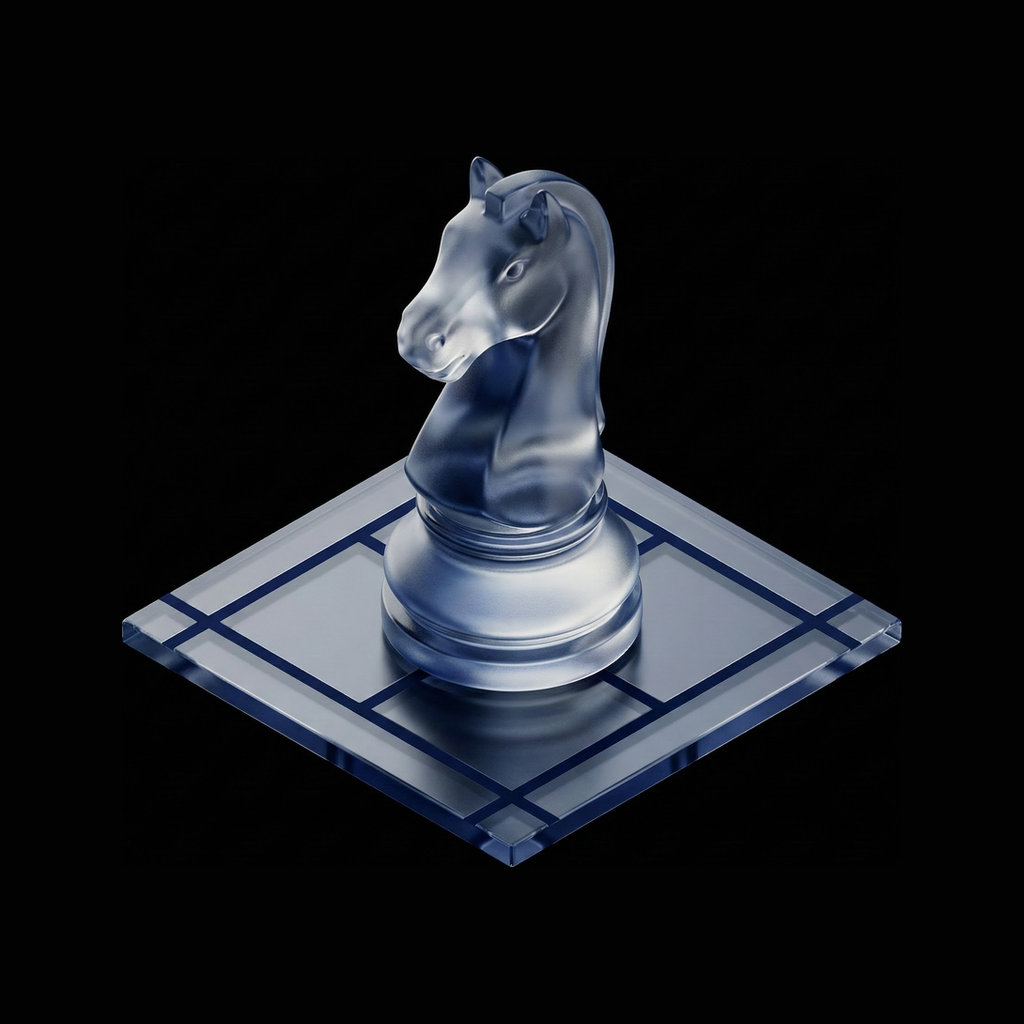

Tab Hoarding Is Killing Your Productivity (Here's the Fix)
Why 47 open tabs destroy your focus and what to do about it. Research shows tab overload cuts productivity by 40% and takes 20 minutes to recover from.
Look at your browser right now. Count your tabs. If you're like most knowledge workers, you're staring at 20, 30, maybe 50 open tabs. Some have been there for days. A few for weeks. You keep them open because you might need them. Because closing them feels like losing something important. Because you're afraid that one critical piece of information will disappear into the void if you let it go.
This isn't a quirky habit. It's a productivity crisis.
Research from Carnegie Mellon University found that tab overload causes significant mental strain, disorientation, and task loss. Microsoft's studies show multitasking with tabs reduces productivity by up to 40%. And here's the kicker: every time you switch contexts, it takes up to 20 minutes to fully regain focus. Not 2 minutes. Not 5. Twenty.
You're not hoarding tabs. You're hoarding cognitive load. And it's wrecking your ability to do deep work.
Why Your Brain Can't Handle 47 Tabs
To understand why tab hoarding destroys productivity, you need to understand working memory. Your brain can consciously track roughly 4-7 items at once. That's it. When you have 47 tabs open, you're not actually tracking 47 things — you're creating a persistent low-level anxiety that you've forgotten something important.
Each open tab is what's psychologists call an "open loop." It's an unfinished task your brain keeps trying to monitor. Is that Stack Overflow solution still relevant? Did that article have the citation you need? Should you close the documentation tab or will you need it again?
Your brain responds to open tabs the way it responds to unread notifications. It creates a background hum of stress. You can't focus fully on the tab you're actually using because part of your attention is monitoring all the other tabs you might need to check. This is why tab hoarding feels productive — you're surrounded by resources! — but actually prevents the sustained concentration that produces good work.
The irony is brutal: you keep tabs open to avoid losing information, but the cognitive load of monitoring them means you retain less of what you actually read.
The Three Tab Traps
Most tab hoarders fall into one of three patterns. Recognizing your pattern is the first step to fixing it.
The Research Spiral
You're investigating a problem. You open Tab 1: a relevant blog post. That post links to Tab 2: a documentation page. Tab 2 references Tab 3: a GitHub issue. Tab 3 mentions Tab 4: a Hacker News thread. Three hours later you have 23 tabs open, you've forgotten what you were originally trying to solve, and you're now reading a philosophical debate about microservices vs monoliths from 2019.
The research spiral feels like work because you're consuming information. But consumption isn't progress. You haven't synthesized anything. You haven't made a decision. You've just moved information from the internet into your browser bar where it can create anxiety.
The Read-It-Later Graveyard
This article looks interesting. You'll read it later. Open tab. This tweet has a good thread. Tab. This paper might be relevant to that project you haven't started yet. Tab, tab, tab.
The read-it-later pile grows because closing feels like losing. But let's be honest: you're never going back to tab #34 from Tuesday. The barrier to reviewing old tabs is too high. You can't remember why you saved most of them. And the thought of facing that accumulated backlog is actually stressful, which makes you avoid it, which makes the pile bigger.
The Context Switching Chaos
You have tabs for three different projects, two personal tasks, four documentation pages, a half-filled form, and that one YouTube video you meant to watch yesterday. Every time you sit down to work, you spend the first 15 minutes just figuring out which tab you were actually using. Then you get distracted by one of the other tabs. Then you forget what you were doing.
Context switching chaos is the most expensive pattern because it happens repeatedly throughout the day. Every switch costs focus. Every switch creates decision fatigue. Every switch makes you slightly worse at everything you're trying to do.
Why Traditional Fixes Fail
Most tab management advice is either naive or insulting. "Just close them!" Sure, but what if I need that information? "Use bookmarks!" Bookmarks are where information goes to die — no context, no highlights, no memory of why you saved it. "Get organized with folders!" You're a knowledge worker, not a librarian. Maintenance burden exceeds utility.
Browser extensions like OneTab solve the symptom (too many tabs) but not the disease (no system for capturing value). They collapse 50 tabs into a list of URLs. Great, now you have 50 links with zero context instead of 50 tabs with zero context. The cognitive load is slightly lower but the actual problem — you can't find or use the information you need — remains unsolved.
Notion, Obsidian, and other note-taking tools offer a different trap: they turn every interesting article into a project. You open a page, paste the URL, maybe add some notes, tag it, categorize it, create links to other notes... and twenty minutes later you've spent more time organizing than reading. The friction is too high for the volume of information you encounter daily.
What you actually need is a system with three properties: it captures what matters without capturing everything, it preserves context so you can actually use the information later, and it's faster than keeping tabs open. If the solution is slower than the problem, you'll abandon it.
What Actually Works: Capture, Context, Close
The solution isn't willpower. It's workflow design. Here's the system:
Step 1: Capture the specific value, not the whole page
When you find something useful, don't save the entire tab. Save the specific insight. The key paragraph. The working code snippet. The exact quote. This is what you'll actually need later — not the 4,000-word article that contained it.
The critical question is: "What would I search for to find this again?" If you don't know, you won't find it. Capture that search term along with the content. "Regex for parsing nested JSON — this StackOverflow answer actually works."
Step 2: Add context while it's fresh
Your future self is dumber than your present self. You won't remember why you saved something in three days. Capture the context now: why this matters, what problem it solves, how you'll use it.
The context should answer one question: "Why did I think this was worth saving?" Without that, you have a link to information you can't evaluate without re-reading everything. The context is often more valuable than the content.
Step 3: Close immediately
Once you've captured the value and the context, close the tab. Immediately. The information isn't lost — it's preserved in a place you can actually find it. The tab served its purpose. Let it go.
This is the hardest step psychologically. It requires trusting your capture system. But here's the truth: if you don't trust your system enough to close tabs, you won't trust it enough to use it. The closed tab is a test of system reliability. Pass the test.
The Compound Effect
Let's do the math on what this system actually saves you.
Without a system: You have 40 open tabs. Each tab represents 2-3 minutes of "I'll come back to this." That's 80-120 minutes of pseudo-work — time you felt productive but weren't. Each day you spend 15 minutes context-switching between tabs trying to find things. That's 75 minutes per workweek. Add the cognitive load of monitoring open loops, the stress of the growing pile, the occasional browser crashes that lose everything. You're losing 3-4 hours per week to tab management.
With a capture system: You spend 30 seconds capturing value and context, then close. Three times per day. That's 90 seconds. You spend 5 minutes reviewing your captured insights when you actually need them. Total time: under 10 minutes per day. You've reclaimed 2-3 hours per week.
But the real gain isn't time. It's cognitive bandwidth. Without the background hum of open loops, you focus better. Without decision fatigue from constant context switching, you make better choices. Without the anxiety of accumulated backlog, you actually enjoy your work.
Building the Habit
Systems fail when they require willpower. The capture-close system works when it's easier than hoarding tabs. Here's how to get there:
Start with a trigger: Every time you find yourself with 10+ tabs, capture and close until you're under 5. Not zero — you need working memory for active tasks. But under 5. Make this your browser hygiene rule.
Use keyboard shortcuts: If capturing requires more than one keystroke, you'll skip it. Command+Shift+Space should capture the selected text and URL. Command+W should close the tab. Two keystrokes, done.
Review weekly: Every Friday, spend 10 minutes reviewing what you captured. Delete anything that no longer seems valuable. Tag what you actually used. This keeps the system current and reinforces that captured information is retrievable.
Measure what matters: Track one metric — daily active tabs. Not capture volume. Not time spent organizing. Just the number of tabs you end the day with. Watch it trend downward. Celebrate when you hit new lows.
The Deeper Pattern
Tab hoarding isn't really about browser tabs. It's about information anxiety in an age of infinite content. The internet produces more useful information than any human can consume. The knee-jerk response is to save everything, just in case. But "just in case" turns into "just in overwhelm."
The real skill isn't capturing information. It's letting information go. Trusting that you'll find what you need when you need it. Understanding that missing one interesting article won't derail your career. Recognizing that synthesis beats accumulation.
This is what Rabbit Hole does differently. Instead of asking you to build a personal Wikipedia of everything interesting, it helps you capture specific insights with context, then get back to work. The goal isn't organization. It's relief. Close the tabs. Trust the system. Focus on what matters.
The best researchers aren't the ones with the most bookmarks. They're the ones who can find what they need, when they need it, without drowning in everything else.
Rabbit Hole is an AI research agent that captures what matters from across the web. Drop any topic, get synthesized insights with sources. No more tab hoarding. Just answers.
Related Articles
The 2026 Buyer's Guide to AI-Powered Research Assistants
The best ai-powered research assistant in 2026 depends on whether you need a fast answer, a literature workflow, or a report you can actually defend after the meeting.

ChatGPT Deep Research vs Perplexity vs Rabbit Hole: Which One Cites Sources That Actually Exist?
If a deep research tool gives you a polished paragraph with one dead link or one unsupported claim, the report is already compromised. Here is the citation test that matters.
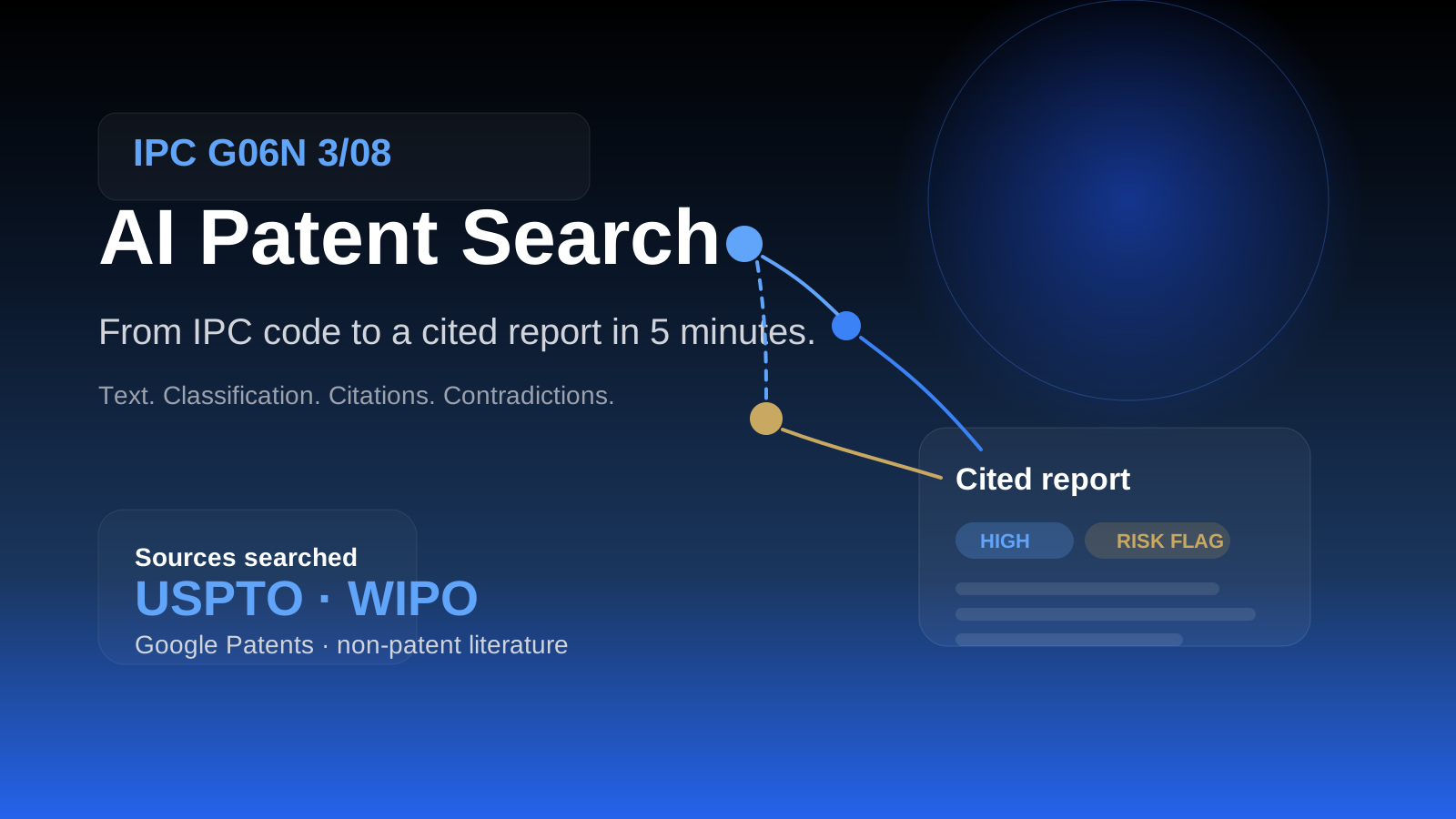
AI Patent Search: From IPC Code to Cited Report in 5 Minutes
Patent search is not one query. It is text, classification, citations, and non-patent literature across multiple databases. Here is the workflow that gets you from an IPC code to a cited report faster without pretending verification is optional.
Ready to try honest research?
Rabbit Hole shows you different perspectives, not false synthesis. See confidence ratings for every finding.
 Try free