
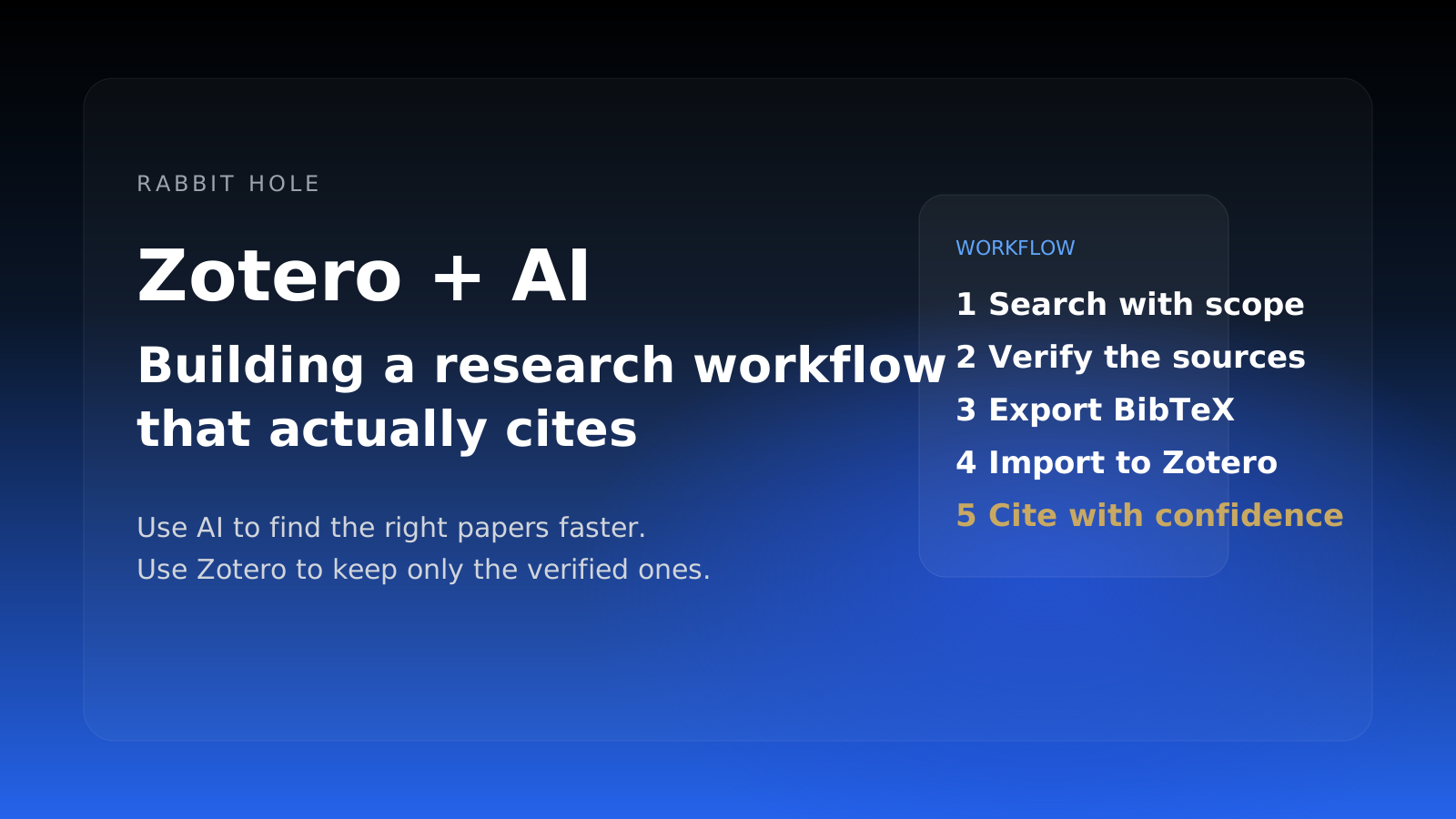
Zotero + AI: Building a Research Workflow That Actually Cites
Zotero already solves storage and citations. The missing layer is faster discovery with verification before weak sources make it into your library.
Zotero already does the part researchers trust: collecting sources, attaching PDFs, and producing citations that survive review. What it does not do is the messy front half of the job. Finding the right 20 papers still means too many tabs, too many almost-relevant abstracts, and too much time spent checking whether a citation actually exists.
Short answer: the best Zotero + AI workflow is to use AI for discovery and triage, then move only verified sources into Zotero as BibTeX, DOI, or PDF-backed records. The win is not "AI citations." The win is getting to a clean candidate set faster without polluting your library with made-up references.
Jump to the workflow · Jump to the comparison · Jump to the caveats
The real problem Zotero users are trying to solve
If you already use Zotero, you do not need another citation manager. You need a better way to decide what deserves to enter Zotero in the first place.
That is the failure mode most generic AI tools miss. They help at the answer layer, not at the library layer. You get a plausible paragraph and a pile of citations, but you still have to ask:
- Do these papers exist?
- Are they the canonical papers, or just the most easily scraped ones?
- Do the cited claims match the source?
- Is this worth importing into the library that will feed my thesis, paper, or memo?
That is why Zotero + AI is a better frame than "AI citation generator." The job is not generating reference-shaped text. The job is building a research workflow where weak evidence gets filtered out before it becomes part of your notes, BibTeX, or manuscript.
If you want the broader principle, it is the same one behind how to verify AI research and the wider AI research citation accuracy problem: fluent output is cheap; trustworthy sourcing is not.
The Zotero + AI workflow that actually holds up
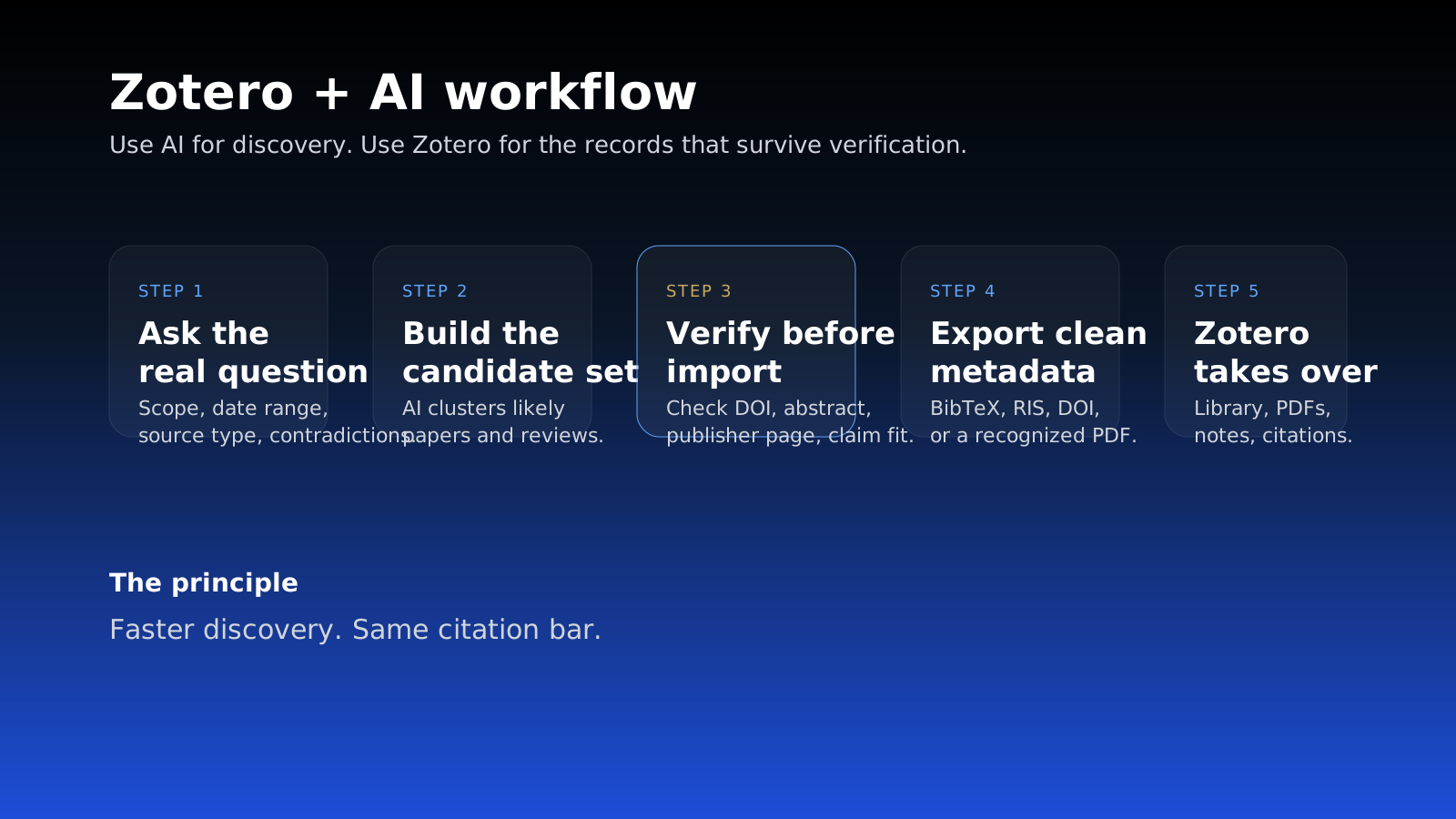
The durable workflow has five steps.
1. Start with a real research question, not a keyword pile
Bad input produces bad retrieval, no matter which tool you use.
Instead of searching zotero ai or remote work productivity papers, ask for something that names scope and constraints:
"Literature on remote versus hybrid work productivity, prioritize peer-reviewed studies from 2021 onward, surface contradictions, and separate primary research from commentary."
That gives the system a screening job, not a vibes job.
2. Use AI to build a candidate set, not a final bibliography
This is where AI genuinely helps. A strong research tool can search across papers, preprints, open-web discussion, and institutional reports in parallel, then cluster the promising material into a first pass.
For Zotero users, the goal at this stage is simple:
- surface the likely backbone papers
- identify review papers worth back-chaining from
- catch obvious contradictions early
- discard blog-post filler before it enters your library
This is the same reason an AI literature review tool can save time without replacing judgment. Discovery compresses well. Citation trust does not.
3. Verify before import
This is the step most AI workflows skip, and it is the one that matters most.
Before you import anything into Zotero, check four things:
| Verification gate | What good looks like | Red flag |
|---|---|---|
| Existence | DOI, journal page, preprint page, or publisher record resolves cleanly | Citation has a title but no stable source |
| Claim support | The abstract or full text actually supports the claim the AI made | The source is adjacent, not supporting |
| Canonical status | Foundational or directly relevant papers show up early | The list is all recent summaries |
| Export cleanliness | BibTeX / RIS includes author, title, year, venue, DOI | Metadata is partial or malformed |
If a source fails two of those four checks, it should not go into Zotero yet.
That caution is not paranoia. In March 2025, the Tow Center at Columbia Journalism Review found that generative search tools routinely returned incorrect answers and fabricated links when asked to identify published news content. Different domain, same workflow lesson: if the model is willing to sound certain when retrieval is wrong, you need a verification step before the citation enters your permanent system.
How the handoff into Zotero should work
Once the candidate set is clean, then Zotero takes over.
Best case: import BibTeX or RIS directly
Zotero's Import from Clipboard feature accepts raw bibliographic formats including BibTeX, RIS, and CSL JSON. If your research tool exports BibTeX, you can copy the record, use File → Import from Clipboard, and place the items directly into the target collection.
This is the cleanest handoff because it preserves structured metadata instead of forcing you to rebuild references manually.
Better than manual: add PDFs and let Zotero recognize them
If you have the actual papers but not clean metadata, Zotero can retrieve metadata for top-level PDFs after import. That is useful when the AI tool found the right source but exported the record imperfectly.
In practice, the durable order is:
- Export BibTeX or RIS when available
- Import from Clipboard into the right Zotero collection
- Attach PDFs for the backbone papers
- Let Zotero retrieve metadata when a PDF needs cleanup
- Spot-check titles, authors, DOI, and year before you cite
Best of all: use DOI-first cleanup on the critical papers
For the 10 papers your argument actually depends on, a DOI check is still the safest move. AI can help you find the paper. Zotero can help you manage it. Neither removes the need to confirm the record you are about to cite.
What this saves a graduate student or researcher
The time savings are real, just easy to overstate.
A traditional review still involves search design, abstract screening, PDF collection, note-taking, and synthesis. One practical automation guide estimated 67 weeks on average from registration to publication for a systematic review. That does not mean AI turns 67 weeks into an afternoon. It means the messy discovery and first-pass sorting stages can compress from days into hours.
For a typical early-stage literature review, the gain looks more like this:
The gain is front-loaded. Discovery compresses well. Final trust still comes from the human.
That is why the best outcome is not "AI wrote my literature review." It is closer to: I reached a trustworthy 25-paper candidate set in three hours instead of three days.
Zotero vs Mendeley vs EndNote: where AI actually helps
If you are comparing reference managers, the AI layer mostly changes the workflow around them, not the core library job.
| Tool | What it is best at | Where AI fits | Limitation |
|---|---|---|---|
| Zotero | Open, flexible library management with strong import/export paths | Cleanest when the AI tool can export BibTeX, RIS, or PDFs you can verify | You still need to verify the imported record |
| Mendeley | Library + Word citation add-in convenience | Useful if your workflow lives inside Word with Mendeley Cite | The AI layer is still downstream of source quality |
| EndNote | Institutional and established academic workflows | Useful in labs or departments already standardized on it | Heavier workflow, less pleasant for quick import-cleanup loops |
Mendeley's official pitch is still about inserting references and bibliographies inside Word through Mendeley Cite. That is useful, but it does not solve the upstream problem of whether the source list was trustworthy before it entered the document.
Zotero remains the more natural partner for AI research workflows because it is good at the handoff points that matter: importing structured metadata, attaching PDFs, and cleaning records after you have decided the source deserves to stay.
What AI still cannot do for your Zotero library
This is the part worth being blunt about.
AI still should not be trusted to do any of the following without review:
- decide that a citation is real just because it looks complete
- infer that a paper supports a claim because the abstract sounds nearby
- replace the backward and forward citation chase from a foundational paper
- understand your field's threshold for what counts as credible evidence
- decide which 8 papers will actually anchor the final argument in your chapter or memo
That is why Zotero + AI works best as a division of labor:
- AI handles retrieval, clustering, and first-pass screening
- Zotero handles storage, structure, PDF attachment, and citation output
- you handle judgment
If the stakes are higher than a class paper — diligence, policy, grant work, legal analysis — the stricter framing is closer to deep research credibility problems than productivity software. The risk is not wasted time. The risk is citing a source that collapses when someone checks it.
A practical setup for Zotero users
If you want a workflow you can keep using next month, do this:
- Create a Zotero collection for the question, not the whole project.
- Run the AI search against a narrow, explicit query.
- Keep only the papers that survive DOI / publisher / abstract checks.
- Import metadata via BibTeX, RIS, or Import from Clipboard.
- Attach PDFs only for the papers you expect to quote, compare, or cite.
- Add one short note per key paper: claim, method, limitation.
- Use Zotero as the memory layer, not the discovery layer.
That workflow stays clean because it treats Zotero as the place where verified research lives, not the place where every AI-generated candidate goes to hide.
FAQ: Zotero + AI
Is Zotero good for AI-assisted literature reviews?
Yes, but mostly as the destination layer. Zotero is strong once you have a verified candidate set and want to store papers, attach PDFs, and cite them cleanly.
Can Zotero generate citations from AI output?
Yes, if the AI output can be exported as BibTeX, RIS, CSL JSON, DOI, or a recognizable PDF. But structured export is not the same thing as trustworthy sourcing.
Is Mendeley better than Zotero for AI workflows?
Usually no. Mendeley is convenient inside Word, but Zotero is generally better at flexible import, cleanup, and maintaining a library that stays portable across tools.
What is the safest way to move AI-found papers into Zotero?
Use structured metadata first: BibTeX, RIS, DOI, or recognized PDFs. Then check the critical records manually before you cite them.
The real value of Zotero + AI
Zotero does not need to become an AI tool. It already does the trustworthy part well.
The opportunity is to pair Zotero with an AI research workflow that reduces search drag without lowering the citation standard. That is the difference between a faster research system and a messier one.
If the AI step helps you arrive at a better shortlist, and Zotero preserves only the records that survive verification, the workflow works. If AI starts filling your library with plausible-but-weak references, it does not.
That is the whole standard: faster discovery, same citation bar.
Sources and further reading
- Zotero: Import from Clipboard (accessed 2026-05-15)
- Zotero: Retrieve PDF Metadata (accessed 2026-05-15)
- Toward systematic review automation: a practical guide to using machine learning tools in research synthesis (accessed 2026-05-15)
- Columbia Journalism Review / Tow Center: AI Search Has a Citation Problem (accessed 2026-05-15)
- Mendeley Cite (accessed 2026-05-15)
Try Rabbit Hole when you need the AI layer to verify sources before they reach Zotero.
Related Articles
The 2026 Buyer's Guide to AI-Powered Research Assistants
The best ai-powered research assistant in 2026 depends on whether you need a fast answer, a literature workflow, or a report you can actually defend after the meeting.

ChatGPT Deep Research vs Perplexity vs Rabbit Hole: Which One Cites Sources That Actually Exist?
If a deep research tool gives you a polished paragraph with one dead link or one unsupported claim, the report is already compromised. Here is the citation test that matters.
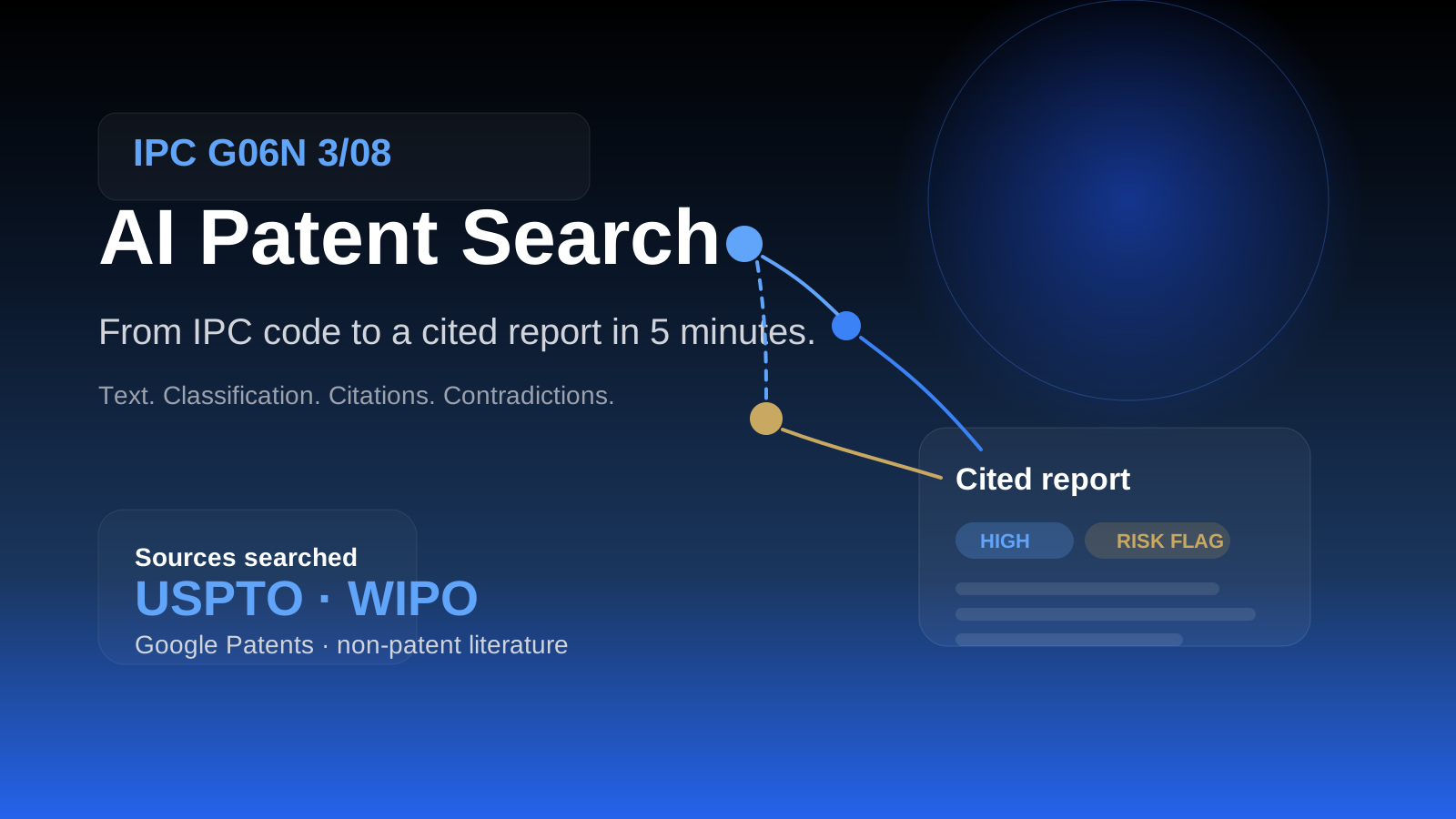
AI Patent Search: From IPC Code to Cited Report in 5 Minutes
Patent search is not one query. It is text, classification, citations, and non-patent literature across multiple databases. Here is the workflow that gets you from an IPC code to a cited report faster without pretending verification is optional.
Ready to try honest research?
Rabbit Hole shows you different perspectives, not false synthesis. See confidence ratings for every finding.
 Try free